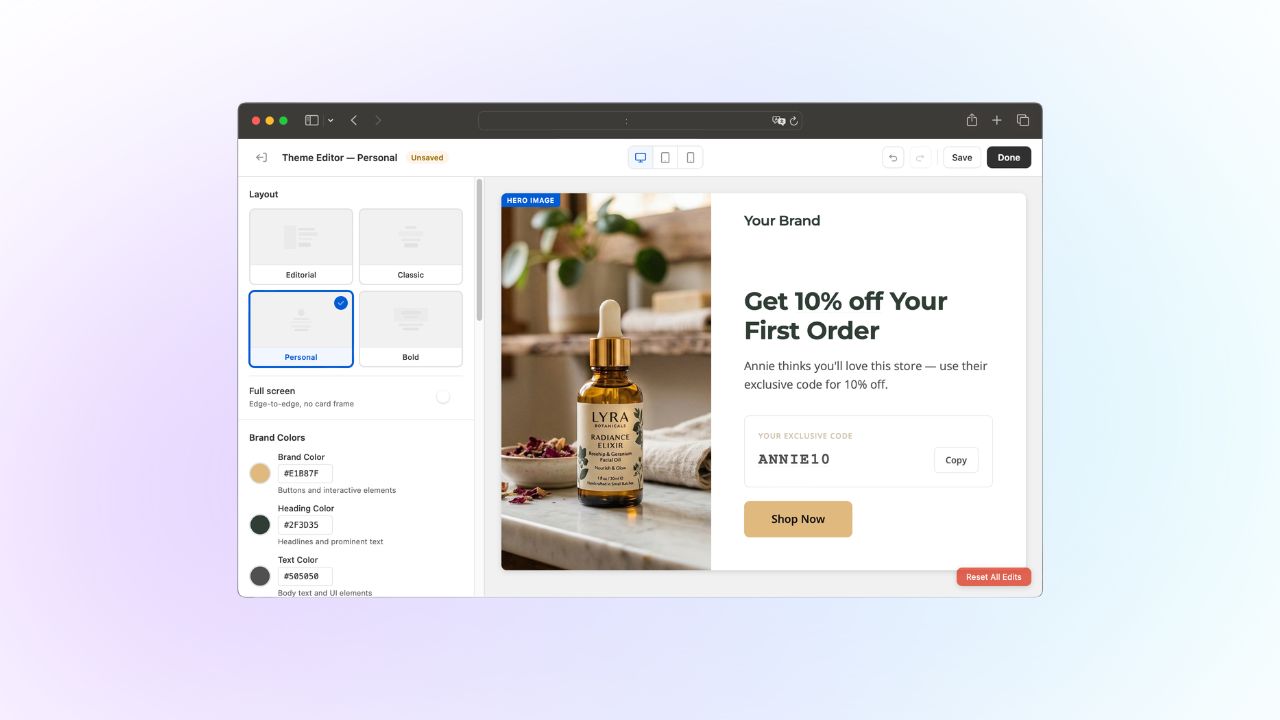
Design Stunning Referral Pages in Minutes with No Code
Your referral program pages are often the first thing a friend sees after someone shares your brand. They should look like your brand, not a generic template. Until now, getting that level of polish in ReferralCandy meant working around limited controls, or writing custom CSS.
Not anymore. We've rebuilt the theme editor from the ground up so you can design on-brand referral pages visually, in minutes, with zero code.
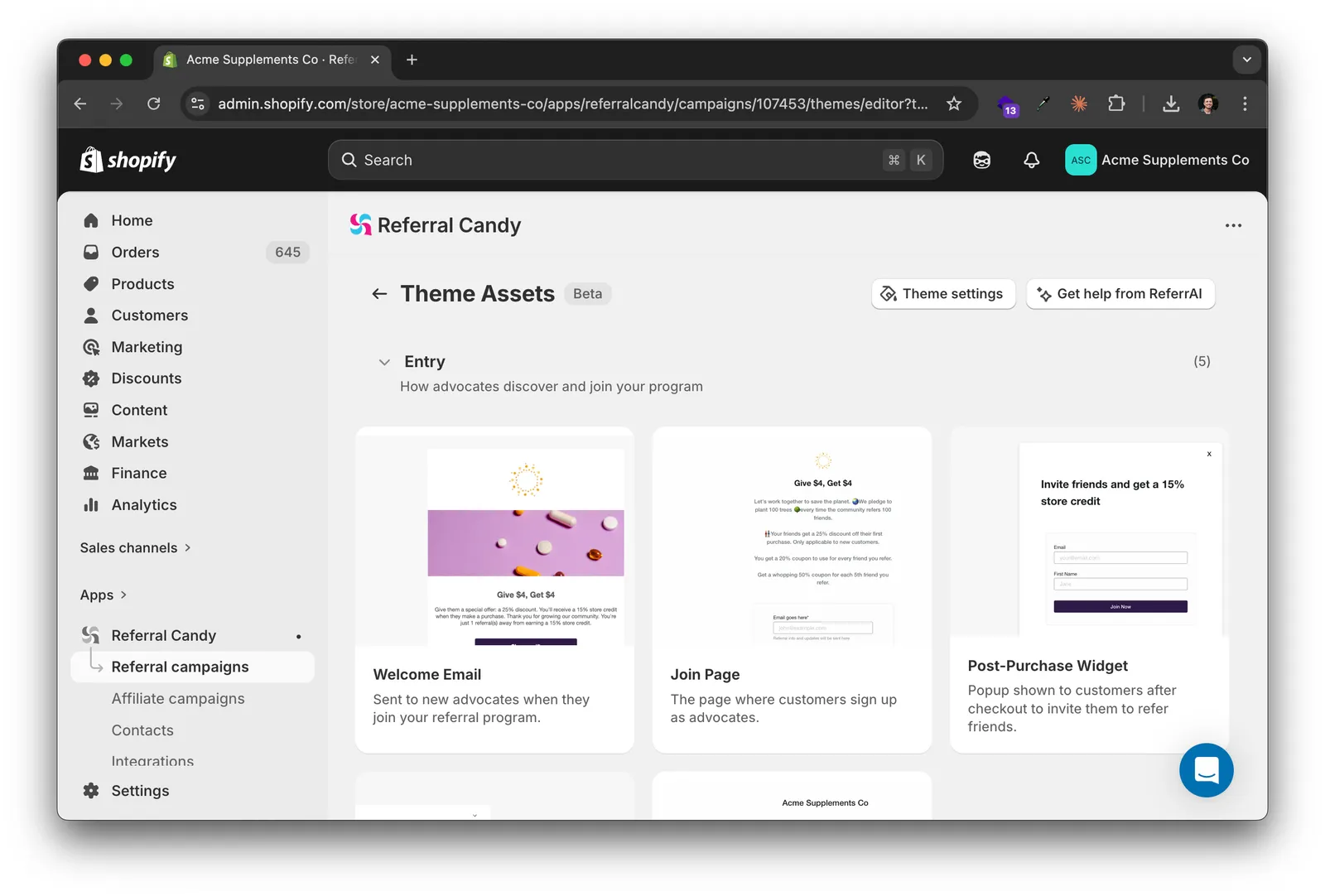
See every page at a glance, edit any of them instantly
When you open a theme, you now see a card grid of every page in your referral program — advocate landing page, referral widget, reward emails, all of it. Each card is a visual snapshot. Click one and you're in its editor. No more hunting through menus or guessing which page you're looking at.
Once inside a page, click any section in the preview to edit it right there. Text, buttons, images — you change them where they appear, not in a disconnected form. What you click is what you change.
Match your store's branding — down to the details
The old editor gave you a single color picker and one font. The new one gives you full control:
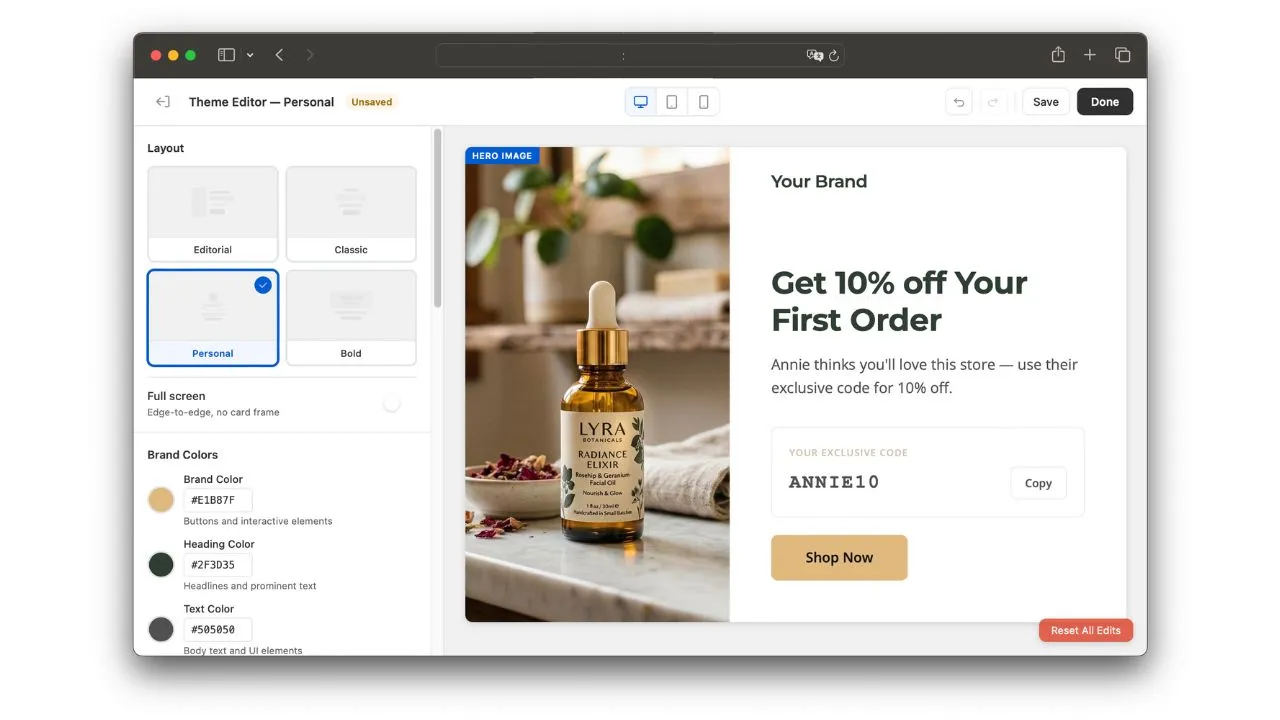
- 5 color settings: Brand Color, Heading Color, Text Color, Background, and Card Color
- 2 font settings: Heading Font and Body Font
If your Shopify store uses one typeface for headings and another for body copy, your referral pages can now match that exactly. If your card backgrounds differ from your page background, the editor handles it. No CSS required.
Preview every scenario before you publish
A new Preview Options panel lets you see your pages exactly as different visitors would — before anything goes live:
- Live vs. paused campaign: see how pages appear when your campaign is active versus paused
- Enrolled vs. new advocate: check the experience for returning advocates versus first-time visitors
- Offer vs. no offer: preview the page with an active incentive and without one
No more publishing just to test. You see what your customers see, directly in the editor.
How to get started
- Go to Campaigns → Themes in your ReferralCandy dashboard
- Select a theme to open the card grid overview
- Click any page or email card to start editing
- Click sections in the preview to edit content inline
- Use the Branding panel to dial in your colors and fonts
- Use Preview Options to check every visitor state
- Hit Save — your changes go live immediately
The new editor is available now for all ReferralCandy merchants. Your existing themes and customizations carry over automatically — no migration needed.